
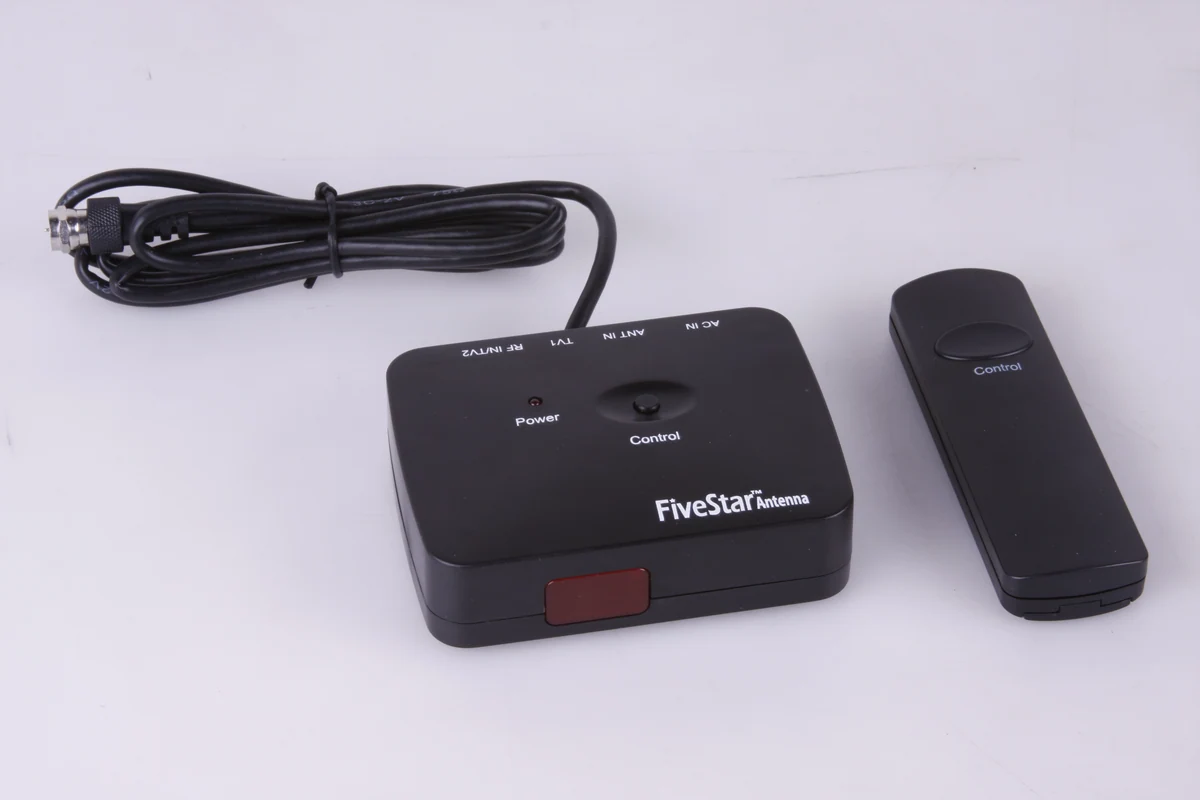
Aim with the Indoor Remote
Point the infrared remote at the indoor control box. Use the reception map to find the direction of your local towers, turn the antenna, and rescan after changing its aim.
Five Star · Installation Kit
Use the indoor remote to turn the antenna toward local TV towers.
$43.99
Compare SetupsSKU FSA-5809 · In Stock
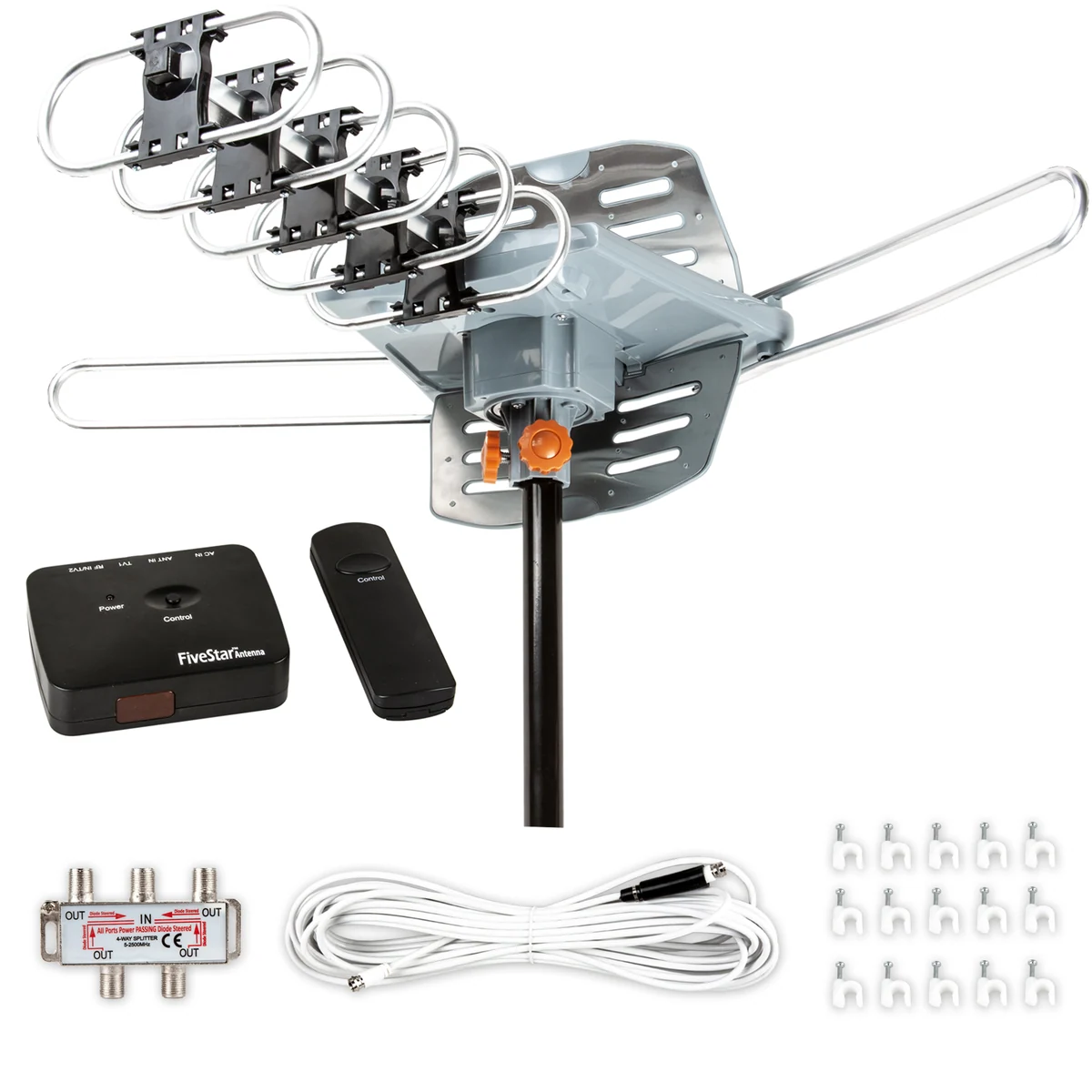
Point the remote at the indoor control box to turn the antenna. Stop when it faces the towers you want to receive, then scan for channels.
Check Local Reception Watch the Rotation Demo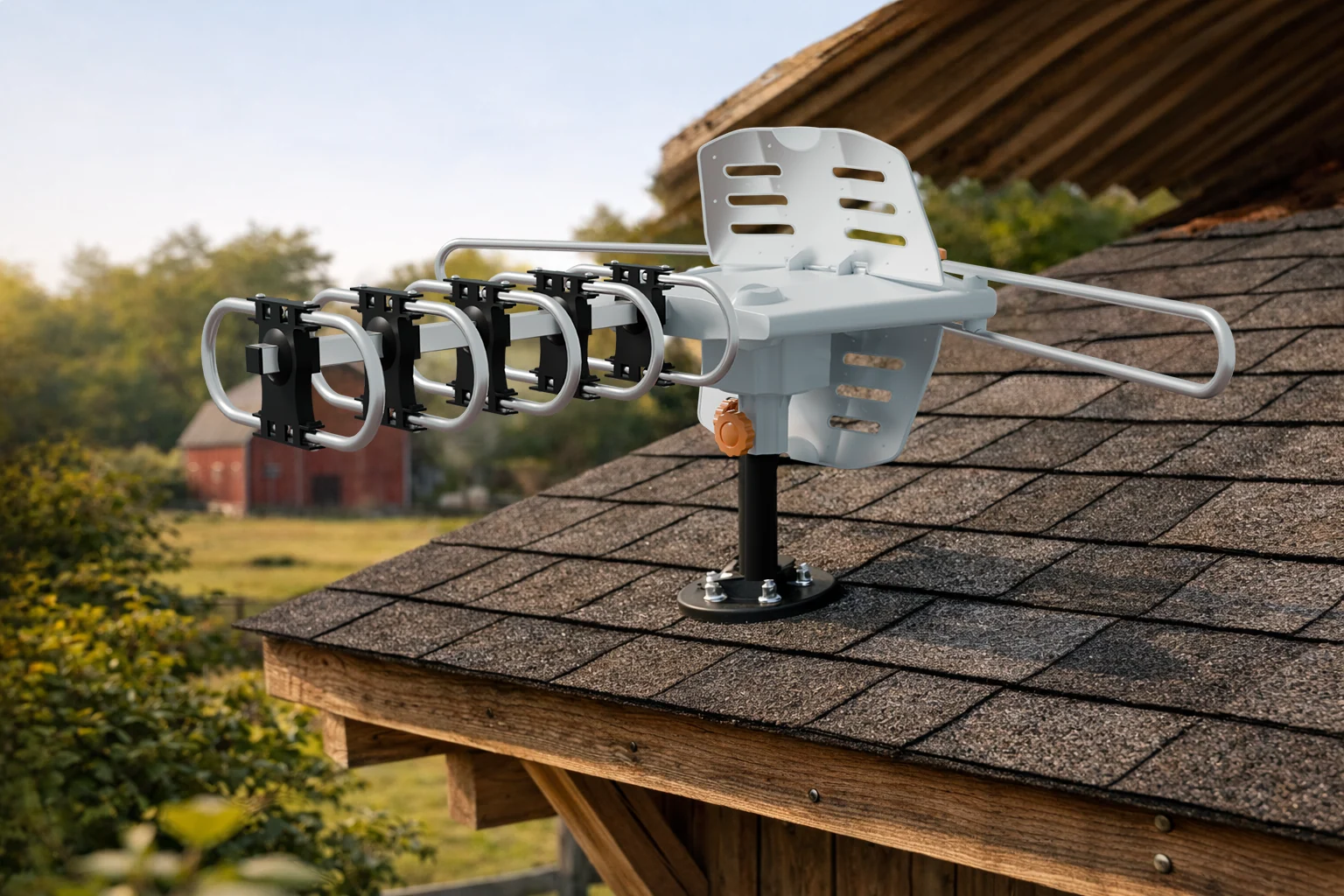
Point the infrared remote at the indoor control box. Use the reception map to find the direction of your local towers, turn the antenna, and rescan after changing its aim.
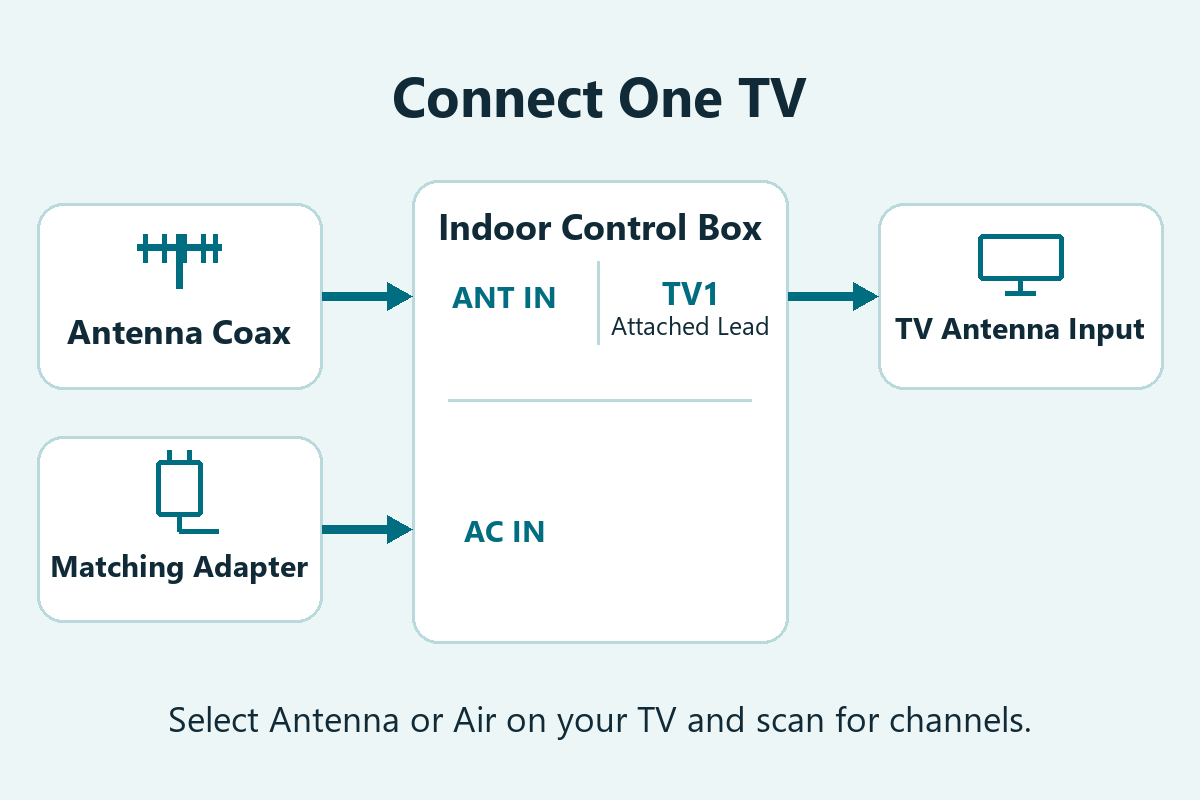
The control box provides TV1 and TV2 for direct connections. To add more TVs with the kit splitter, follow the wiring instructions supplied with the kit.
Open Full Wiring DiagramUse the included remote to turn the directional antenna toward your local broadcast towers. Point the remote at the indoor control box. The 3D animation shows the antenna making a complete turn on its fixed mount.
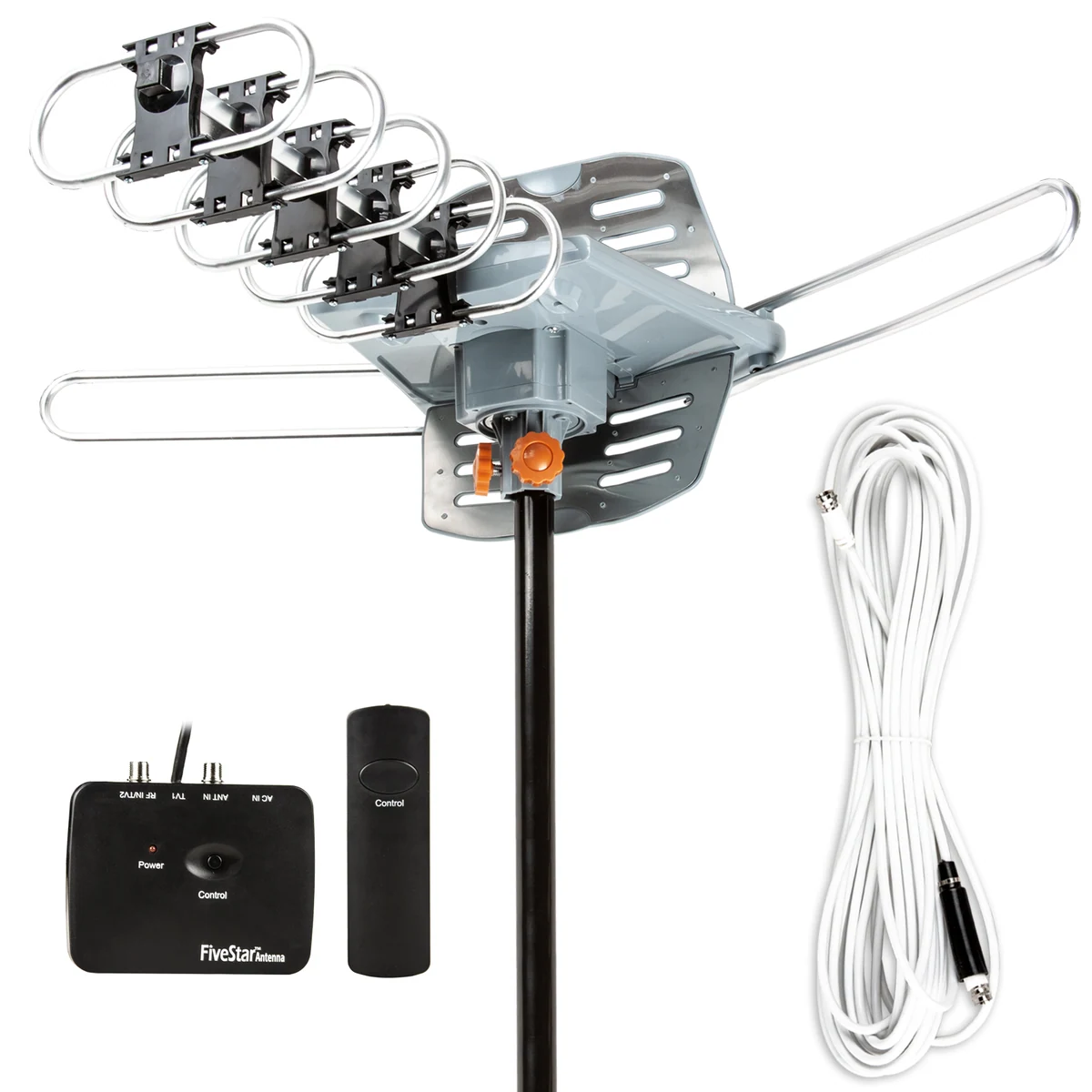
Includes the antenna, remote, control box, power adapter, and 40 ft coaxial cable. Use a compatible mount.
View Antenna Only
Adds a four-way splitter, 4 ft coaxial cable, and 15 cable clips.
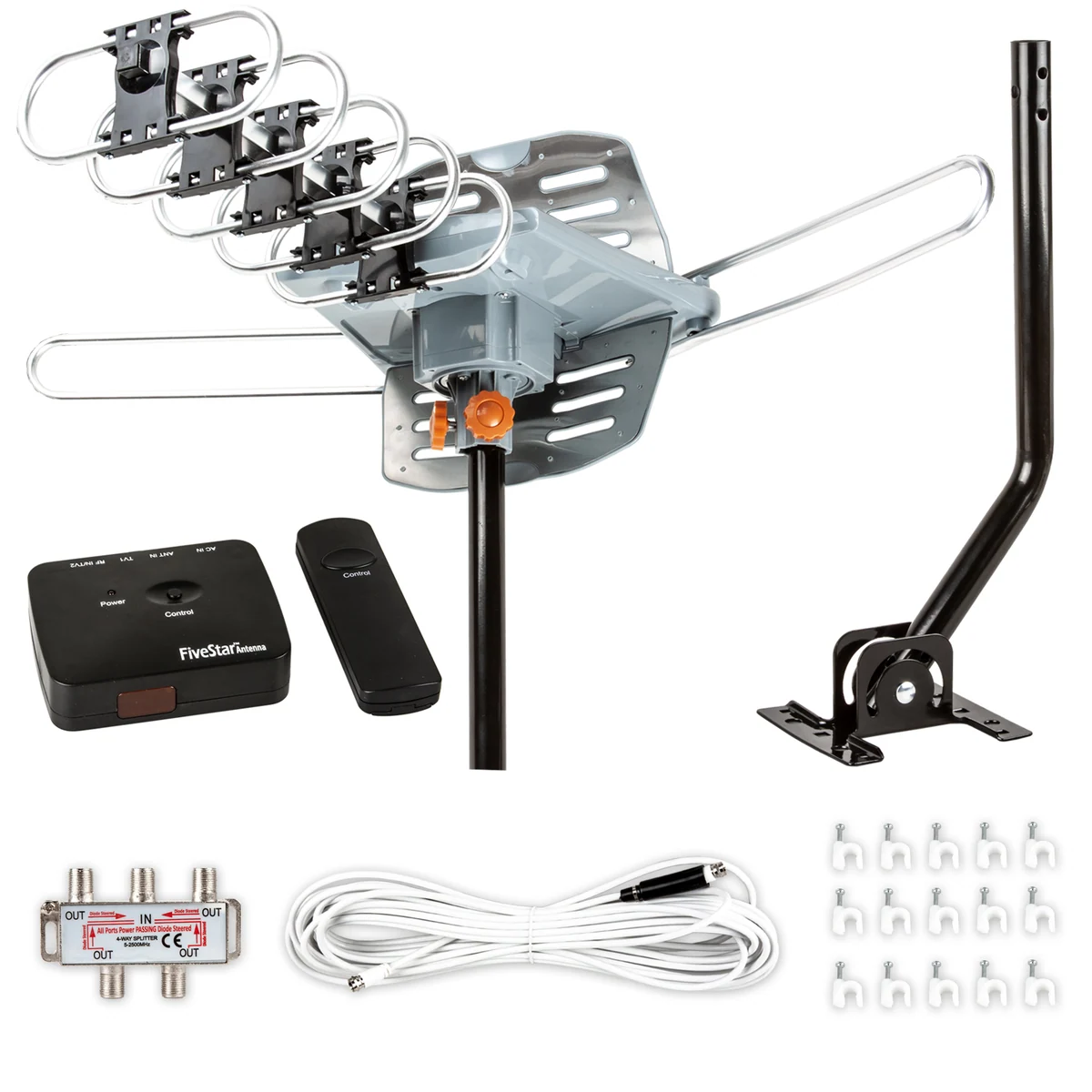
Includes the installation kit and a J-pole for mounting.
See how to assemble the antenna, connect it to the indoor control box, and scan for channels on your TV.
Read the Setup Steps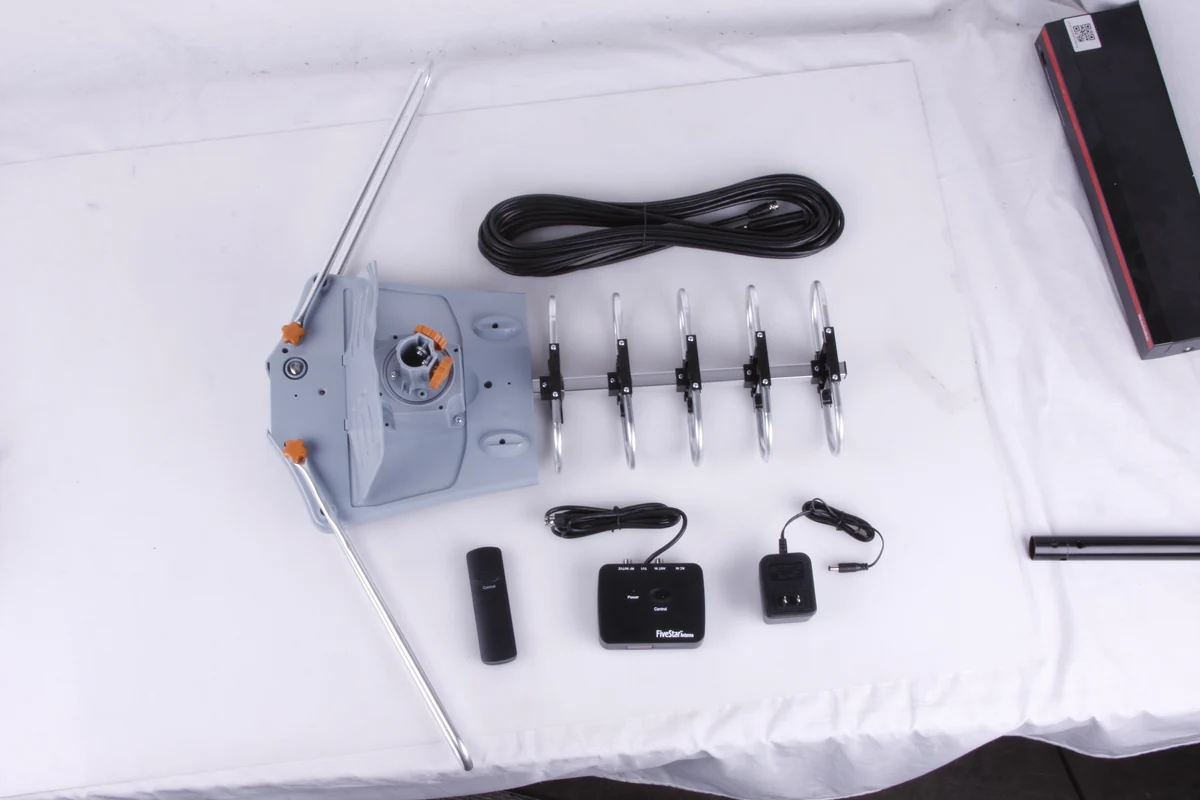
Unfold the five receiving elements, secure the front assembly to the main body, and open the reflector as shown in the manual.
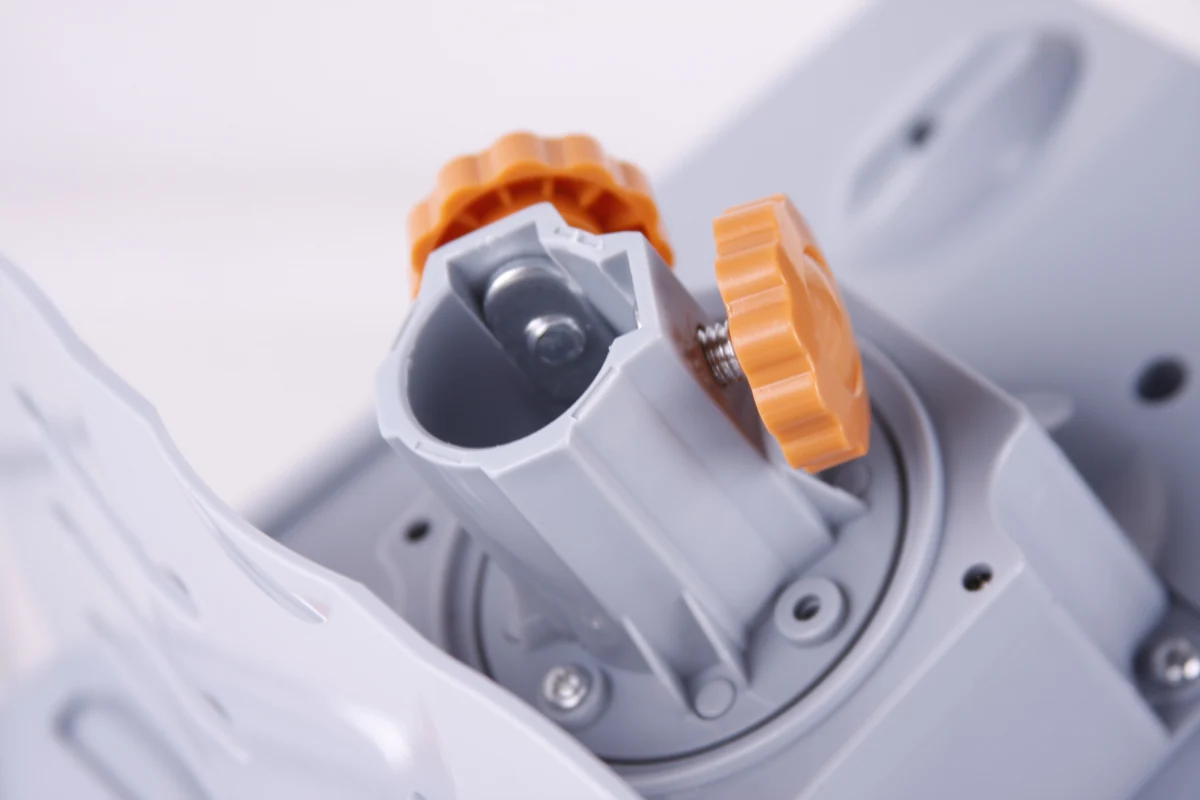
Secure the motor collar to a compatible pole using the supplied hardware. Leave enough clearance for the antenna to turn.
Connect the antenna coax to ANT IN on the indoor control box. Connect TV1 to the antenna input on your TV, plug in the supplied power adapter, and aim with the remote. Select Air or Antenna and scan for channels.
Point the infrared remote at the indoor control box so it can receive the command. Stop the antenna when it faces the desired broadcast towers.
The motor lets you turn the directional antenna around its mounting pole. Choose a direction for the stations you want to watch.
Yes. Use TV1 and TV2 on the control box for two direct connections. Follow the kit’s splitter instructions if you need additional connections.
Choose Antenna + Installation Kit + Pole for a J-pole. The other setups require a compatible mount.
Check that the control box has power and the coax connections are secure. Select Air or Antenna on your TV and rescan after aiming toward the desired towers.
Available channels depend on your location and where you mount the antenna.
Check Local ReceptionCustomer Experiences
Feedback from customers on this product listing.
3.9out of 5
7 reviews
We got the antenna 5809 but are missing parts splitter,adapter, pole
I don't see it any different than our other antenna
I think we get 5 channels
This is a PRE-INSTALL review. I ordered through Amazon. Received box and hapoy about all the info on it. Made me feel good that I didn't just buy a cheap product. All parts inside are fine. However, the instructions need some work. Box said "pole not included", it was included. The end of the instructions at P5 only mentions securing 4 bolts but not which. It says no more about securing the pole OR about the leftover bolts. Also a mention of exactly which tools would be needed. Luckily I have put one up previously. Okay, will report back after the install.
Great product. Easy to install
I’ve had 3 of these same antennas, they work fine for about a year ma, but once again today out of nowhere the led light which means your getting peer to your antena and reception to your tv had took a crap AGAIN it’s pretty Damn annoying, Now I have no choice but to not watch tv or order another 1 year antena.
Set up and receive a few more channels than previous antenna. Antenna description indicated up to 5 TVs. I used splitter provided and then had no reception.
I am so happy with this product. It works very well in my area. I cut the cable last month now I am free from cable bill! I will definitely recommend this product.
I receive a lot of channels including ABC, FOX, CBS, NBC, etc. The picture is excellent. This antenna is worth every penny! I had to email customer service and the problem was solved right away in clear concise English. Customer service went above and beyond. There aren't many companies around like this anymore it seems. I highly recommend this product if you want to save some money from TV services.