
 Call for Price & Availability
Five Star · Installation Kit
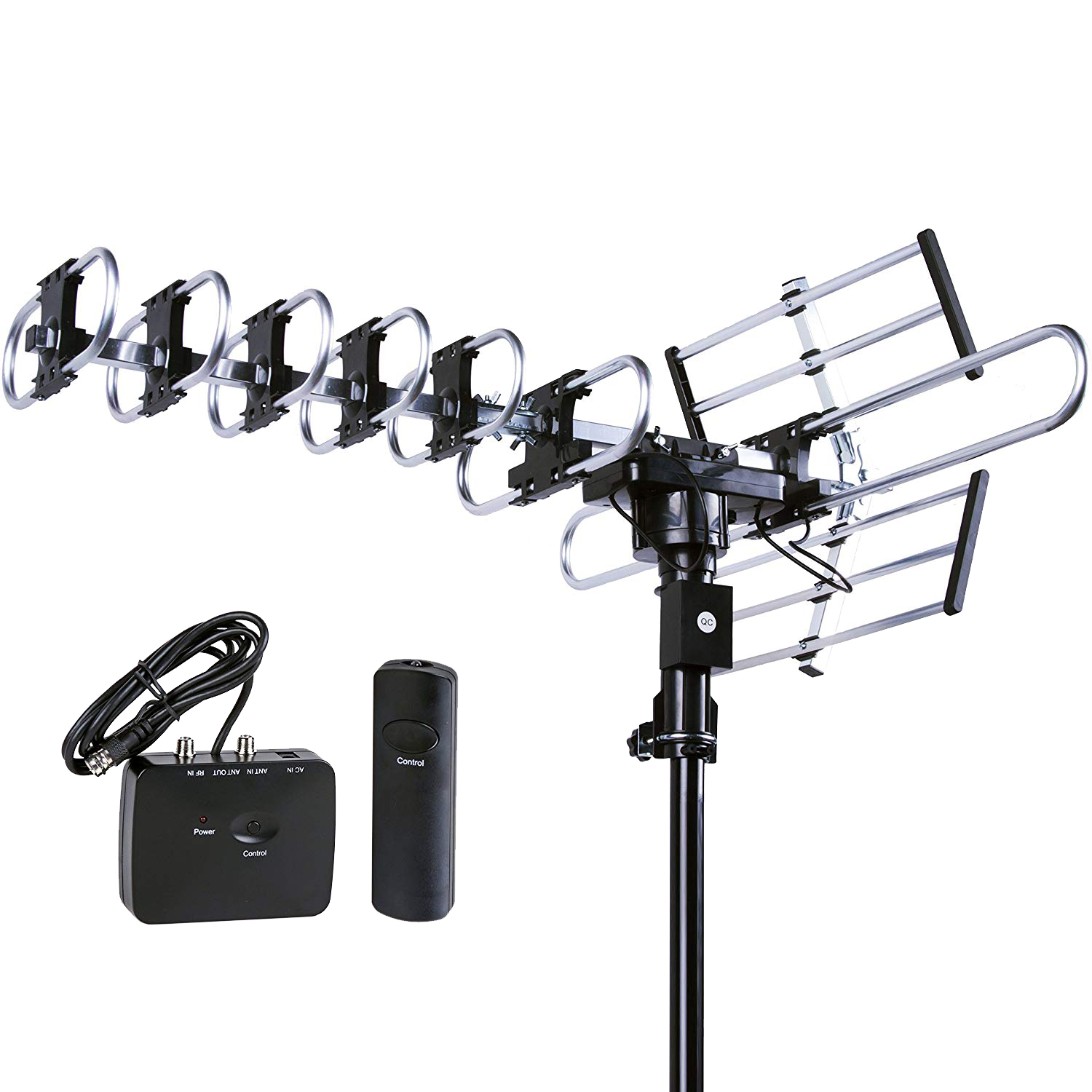
FSA-1806 Motorized Outdoor TV Antenna
Aim This 360° Motorized Antenna by Remote to Pick Up Local VHF and UHF Broadcasts.
$68.95
RegularSKU FSA-1806-se · In Stock
Need Another Setup?
Call for Price & Availability
Call for Price & Availability
Aim from Indoors. Watch Local TV.
Turn the FSA-1806 toward nearby broadcast towers with the included remote. Check which local stations you can watch at your address without a monthly subscription.
Check Local Reception Watch the Setup Video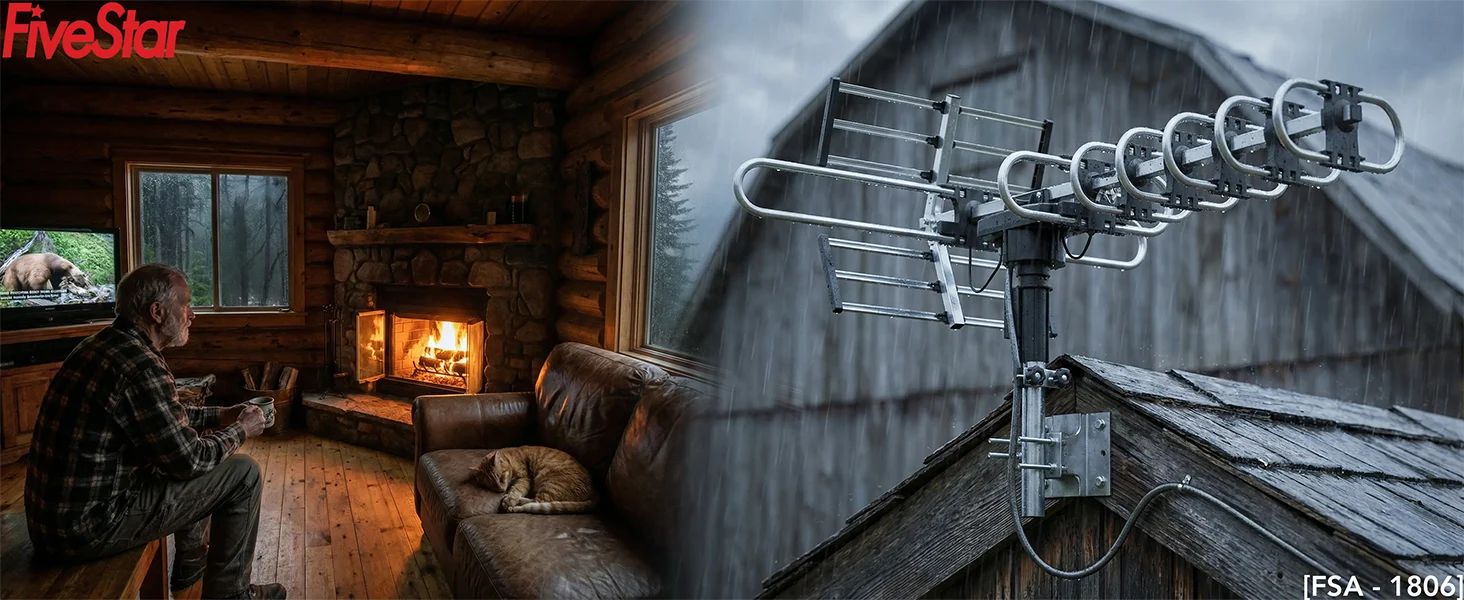
Aiming and Connecting Your Antenna
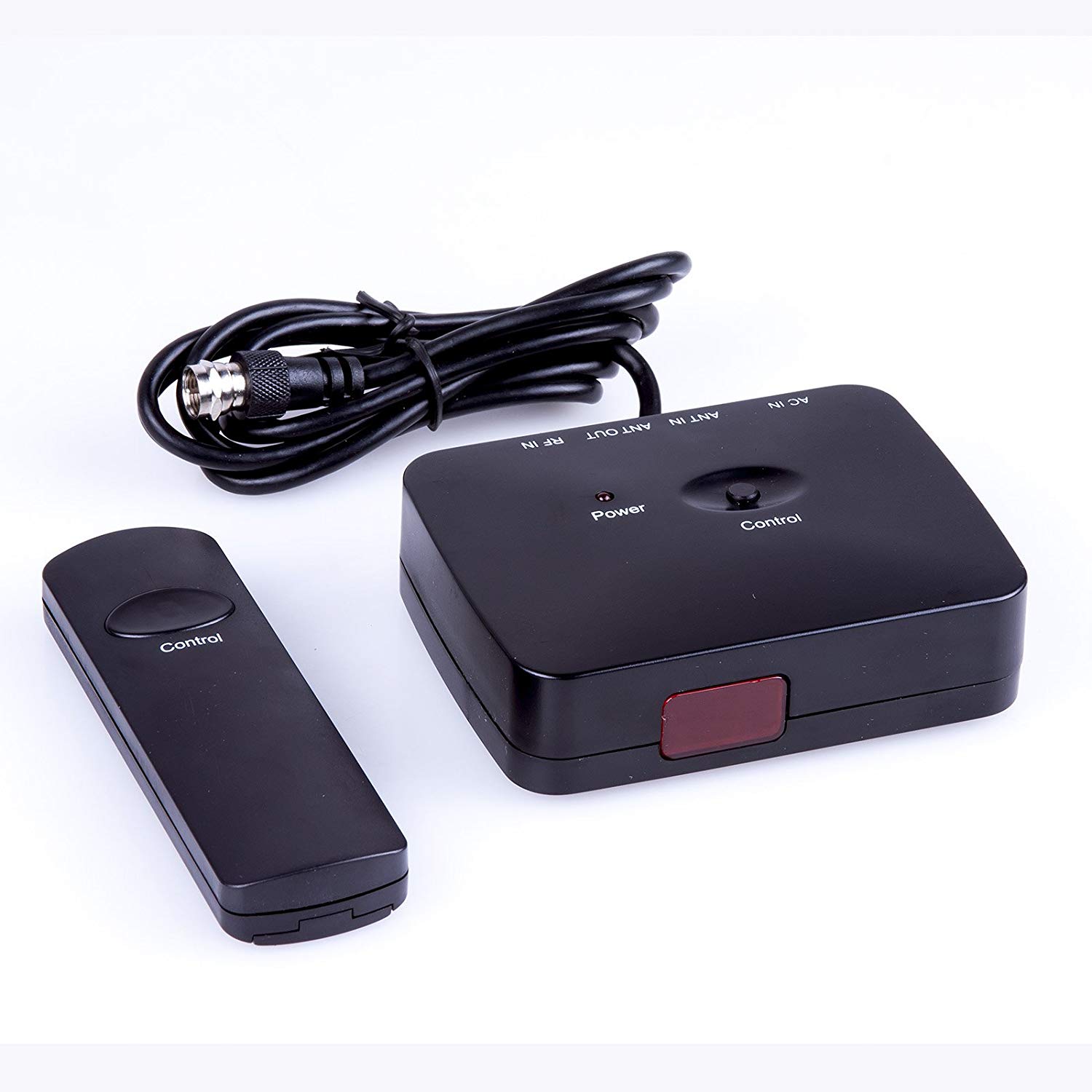
Aim with the Included Remote
Point the infrared remote at the indoor control box and use the Control button to turn the antenna. Automatic gain control adjusts amplification, and an LTE filter helps reduce interference from nearby mobile signals.
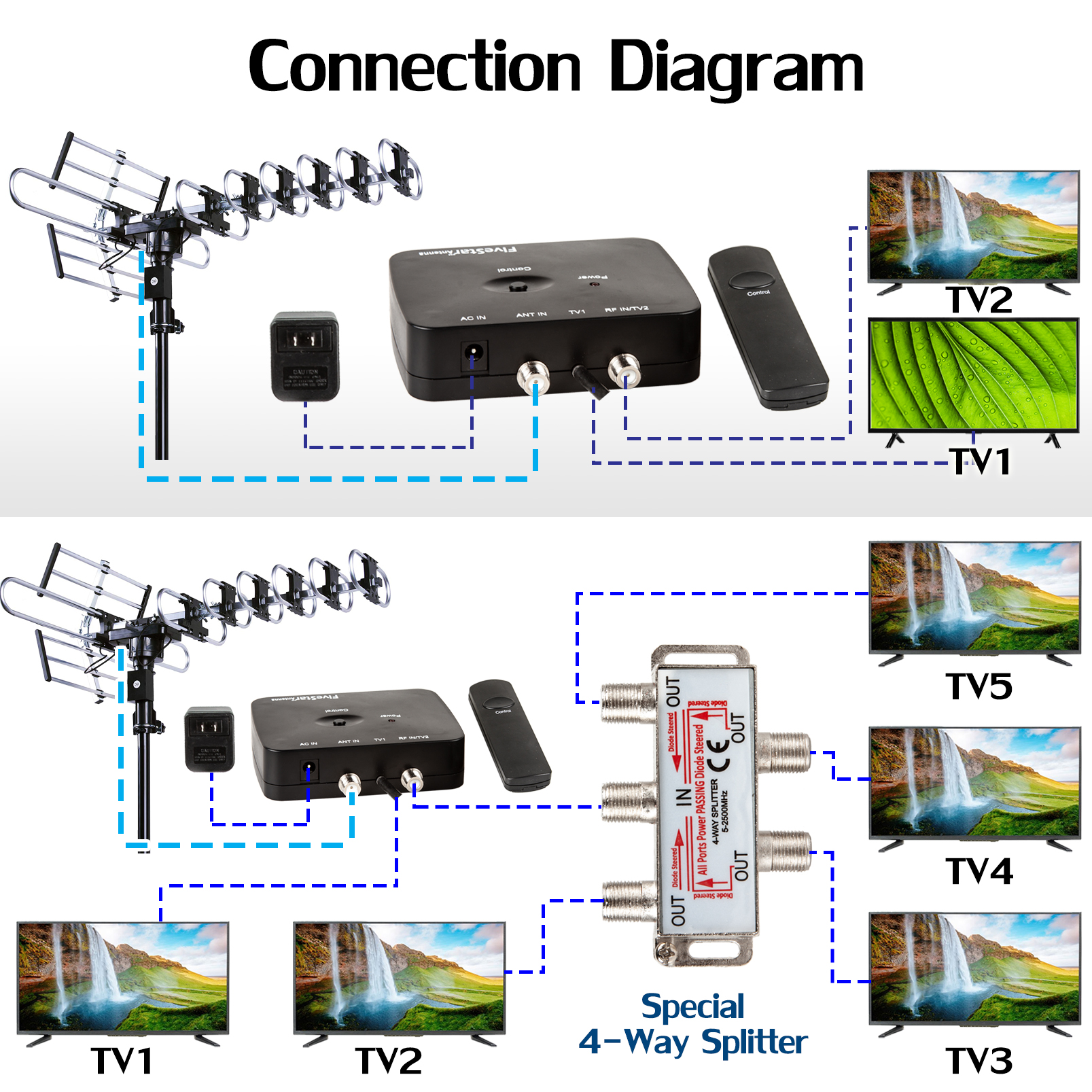
Connect More Than One TV
Connect two TVs directly using TV1 and RF IN/TV2. For more TVs, keep TV1 connected directly and attach the four-way splitter to RF IN/TV2. The diagram shows a setup for up to five TVs when signal strength allows.
Open Full Wiring Diagram360° Motorized Rotation
Use the included remote to turn the directional antenna toward your local broadcast towers. Five Star uses this demonstration for both the FSA-1806 and FSA-3806.
What Comes with the Kit
View Kit Purchase Options-
Included in the Kit
The antenna comes with its powered control box, remote, 40 ft RG6 coaxial cable, four-way splitter, and 15 cable clips.
-
FSA-1806 Installation Video
See the antenna assembly, pole mount, cable connections, and the remote and control box.
Read the Setup StepsSet Up Your Antenna in Three Steps
-
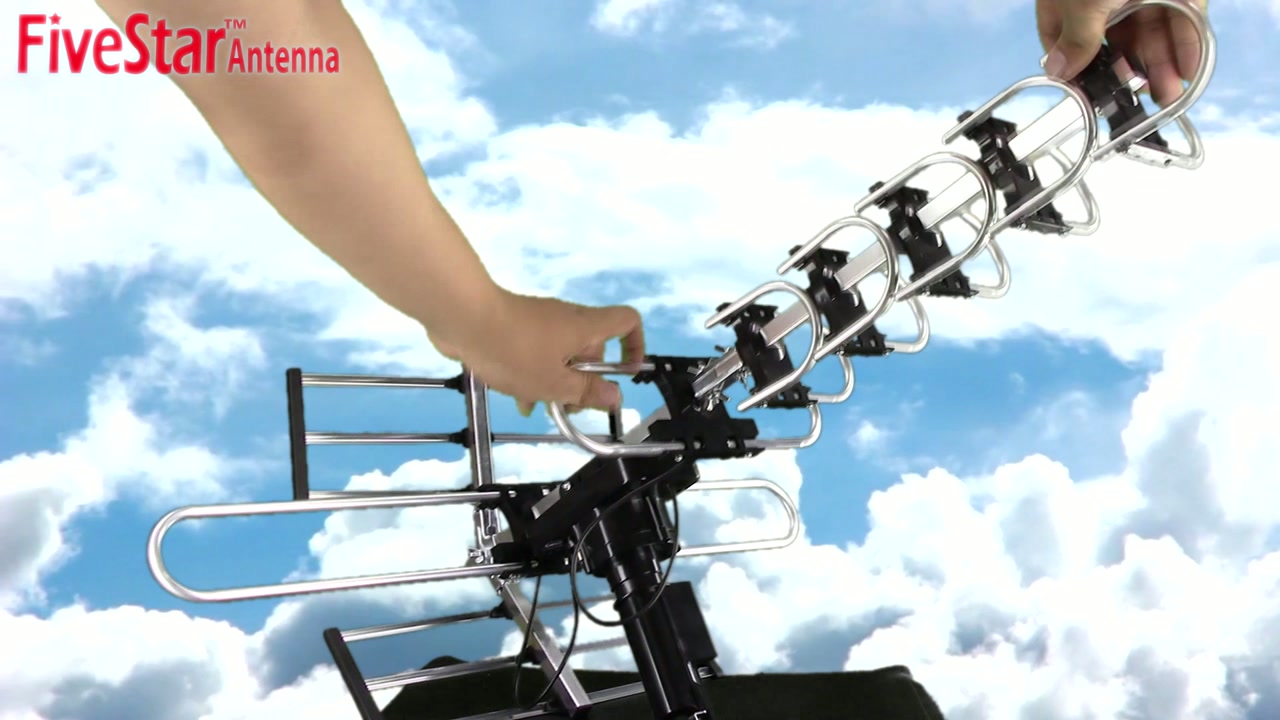
Assemble and Mount
Assemble the antenna, then secure it to a suitable pole as shown in the product instructions.
-
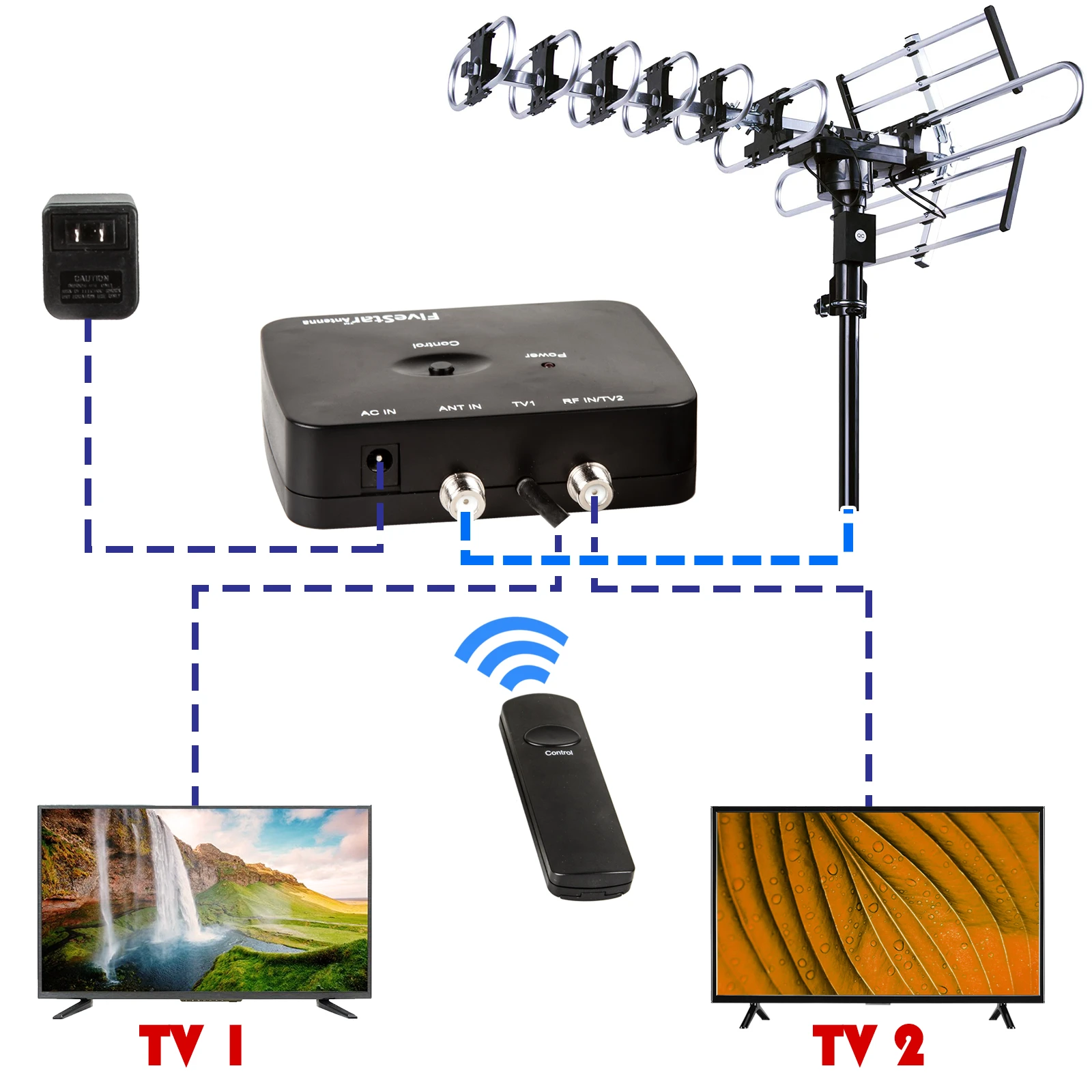
Connect the Control Box
Run a single coaxial cable from the antenna to ANT IN on the control box. Connect your TV to TV1, then plug in the control box.
Open Direct Wiring Diagram -
Aim and Scan
Use the remote to adjust the antenna’s direction. Set the TV to Antenna or Air and run a channel scan.
Frequently Asked Questions
What should I check if the antenna does not turn?
Check that the control box has power and that the coaxial cable runs directly from the antenna to ANT IN. Check the remote battery and aim the remote directly at the control box.
Where does the splitter go?
Connect the antenna directly to ANT IN. Connect the splitter to RF IN/TV2 on the control box and run a separate coaxial cable from the splitter to each additional TV.
How do I find local channels?
Select Antenna or Air on your TV and run a channel scan. If stations are missing, check local tower directions, adjust the antenna, and scan again.
Does the installation kit include a mounting pole?
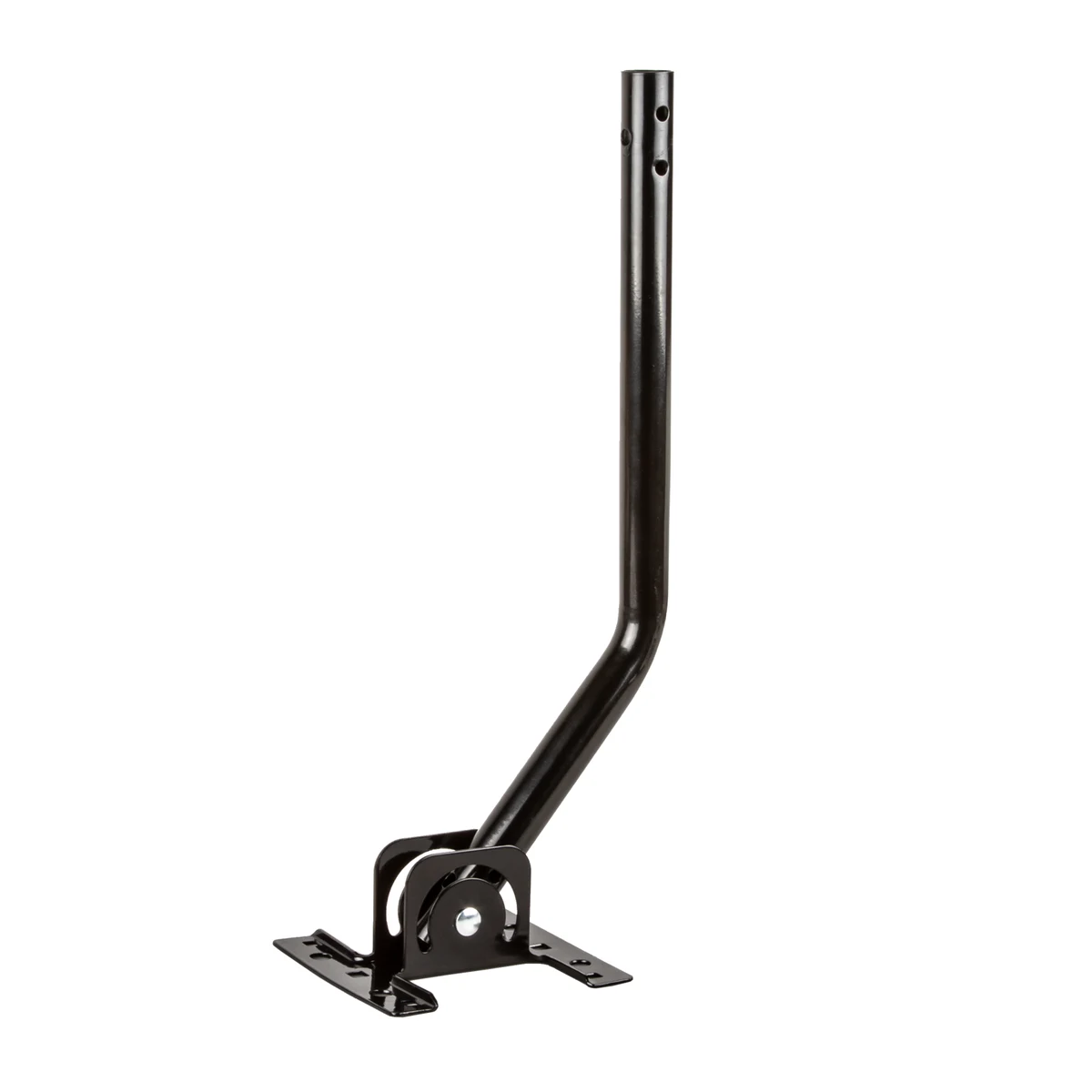
The kit comes with the antenna, controls, coaxial cable, splitter, and 15 cable clips. Use an existing compatible mount or purchase a J-pole separately.
Check Local Reception
Available channels depend on your location and where you mount the antenna.
Check Local ReceptionSpecifications
- Model
- Five Star FSA-1806
- Installation
- Outdoor
- Antenna Adjustment
- 360° motorized rotation with infrared remote
- Broadcast Bands
- VHF and UHF
- Signal Amplification
- Built-in amplifier with automatic gain control
- TV Outputs
- Two on the control box
- Mounting Pole
- Sold separately
Product Support
Customer Experiences
Customer Reviews
Feedback from customers on this product listing.
5.0out of 5
5 reviews · 3 rated
-
Thank you so much
-
Great value.
-
Bought this a year ago. Very easy to set up. I don't know if anyone else has this problem but when it gets very hot outside the antenna will not turn. Any suggestions would be appreciated
-
We love this antenna. We can receive more channels and many clear images than our old one. The installation is very easy. The antenna pretty much in one piece. It is much bigger than our old one. The quality is good. After we did scan teh channel, we have over 100 channel to watch. We highly recommend to the antenna.
-
This antenna is It gives a great picture. Does not come with complete instructions. The instructions are very straightforward. Assembling is really easy, takes about 5 minutes to settle down everything. The picture quality on both our 4K and HDTV is crystal much better than the paid service. We got over 50 channels and if you had a DVD recorder, it is super easy to record TV shows. All in all, it performs very well for me.