
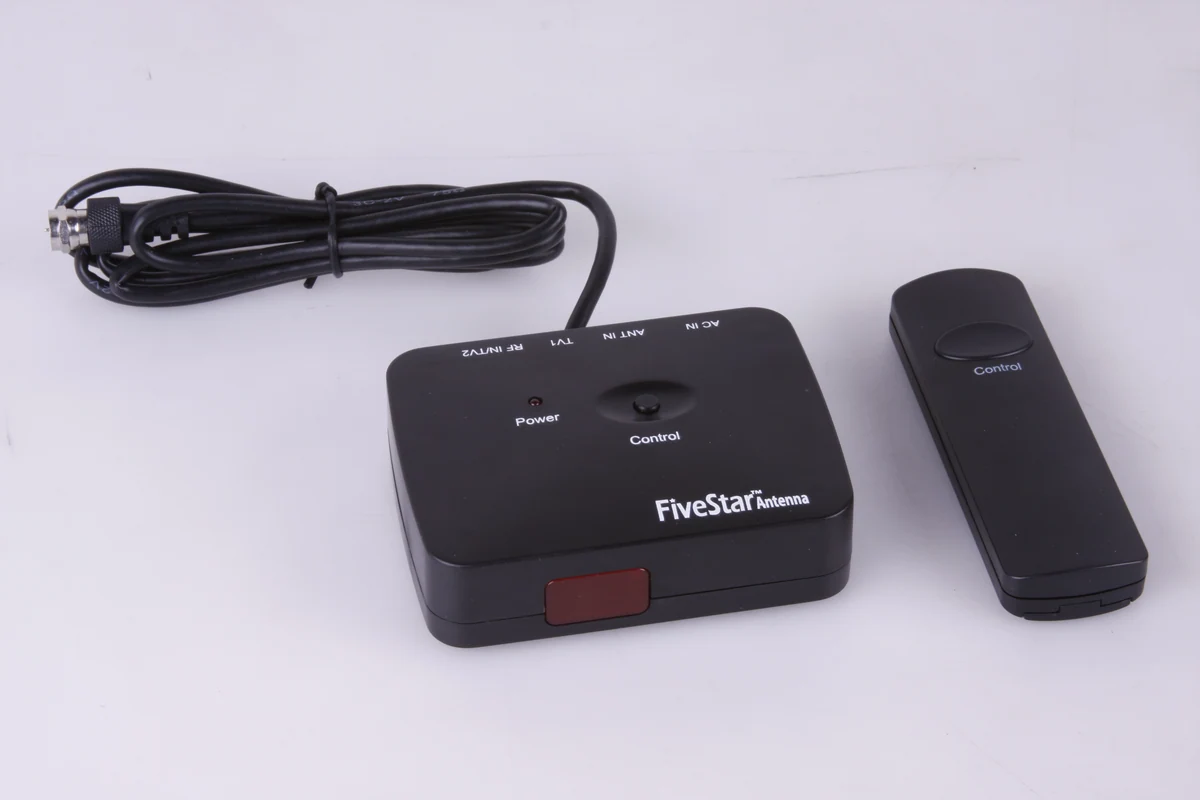
Aim with the Indoor Remote
Point the infrared remote at the indoor control box. Use the reception map to find the direction of your local towers, turn the antenna, and rescan after changing its aim.
Five Star · Antenna Only
Use the indoor remote to turn the antenna toward local TV towers.
$35.99
Compare SetupsSKU FSA-5809NK · In Stock
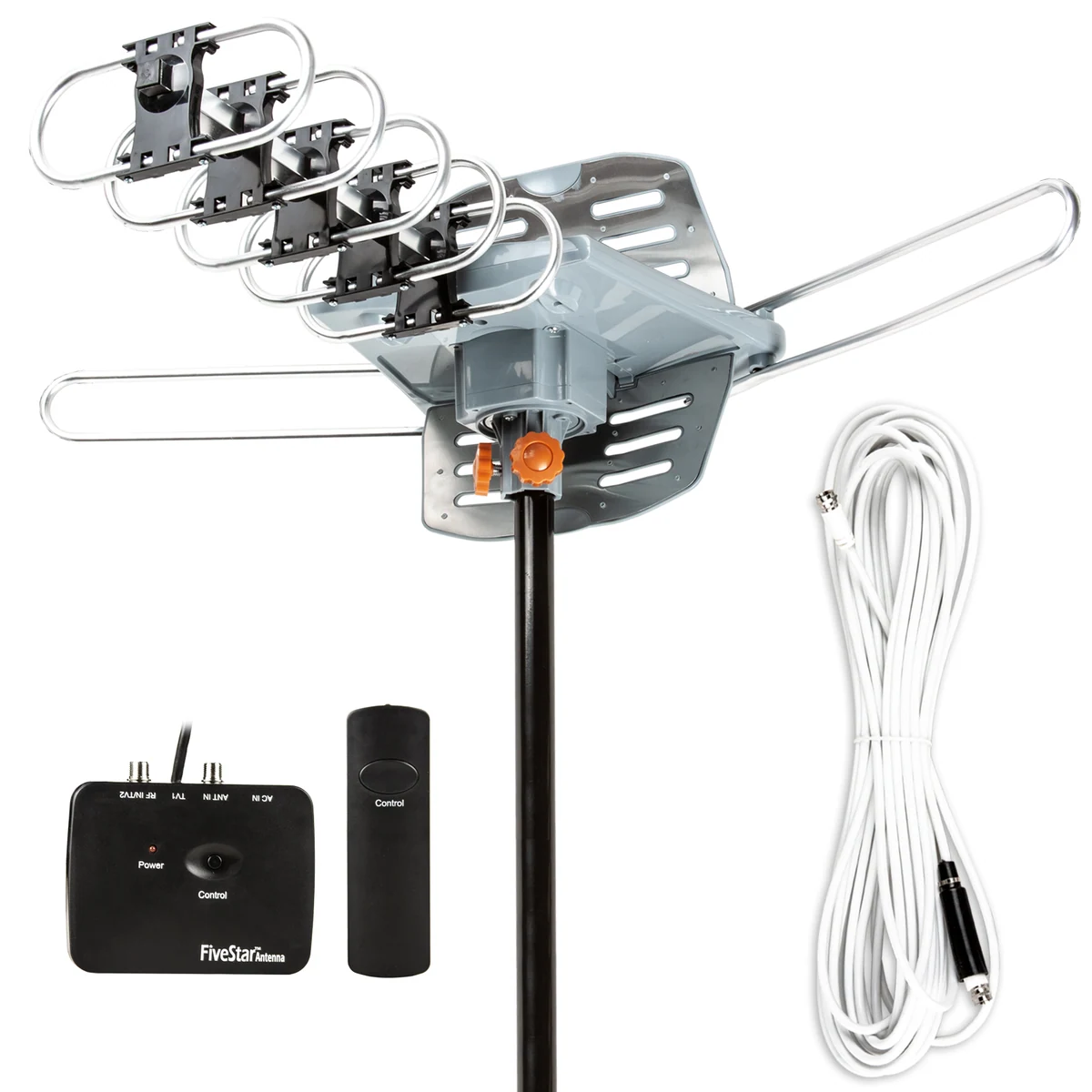
Point the remote at the indoor control box to turn the antenna. Stop when it faces the towers you want to receive, then scan for channels.
Check Local Reception Watch the Rotation Demo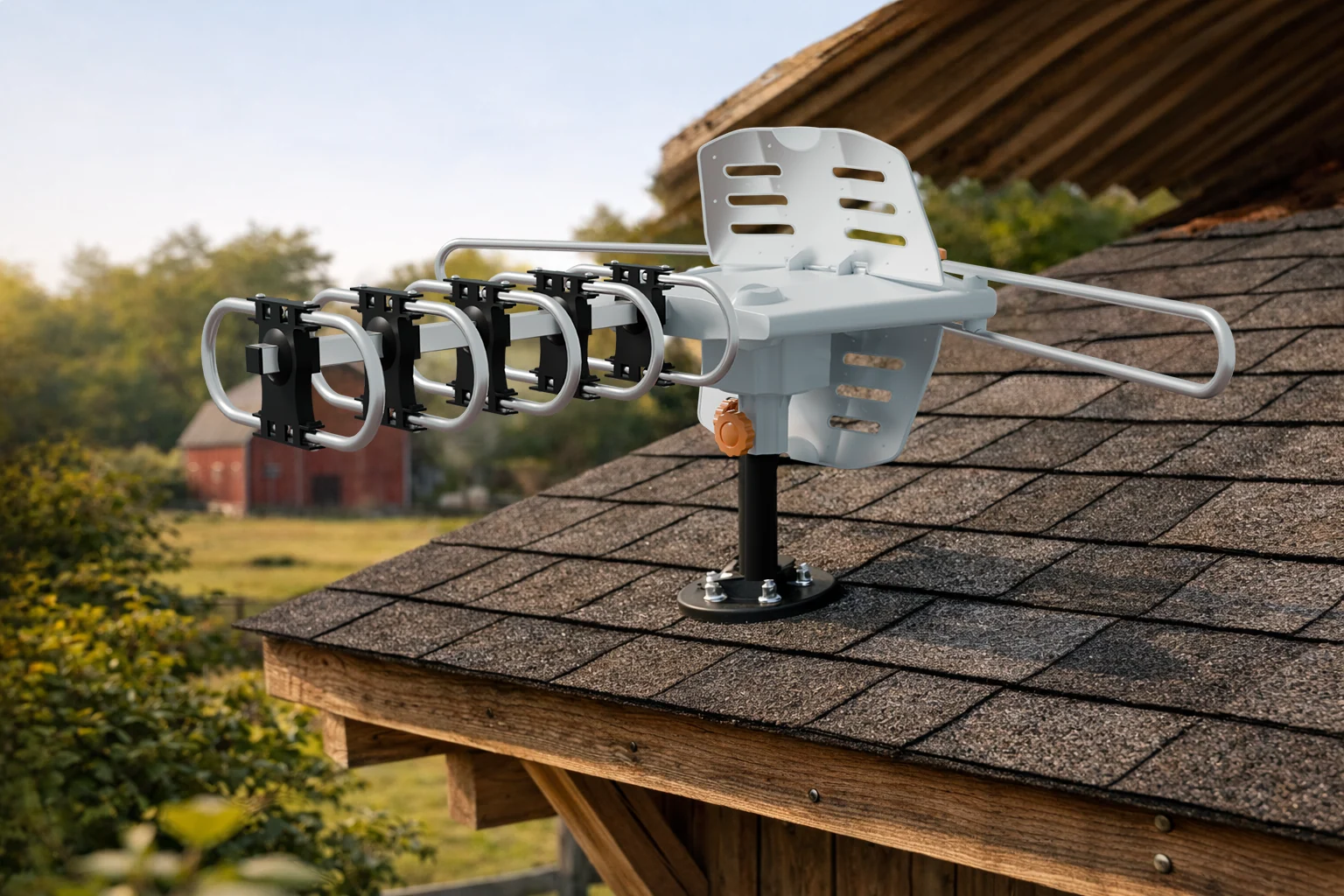
Point the infrared remote at the indoor control box. Use the reception map to find the direction of your local towers, turn the antenna, and rescan after changing its aim.
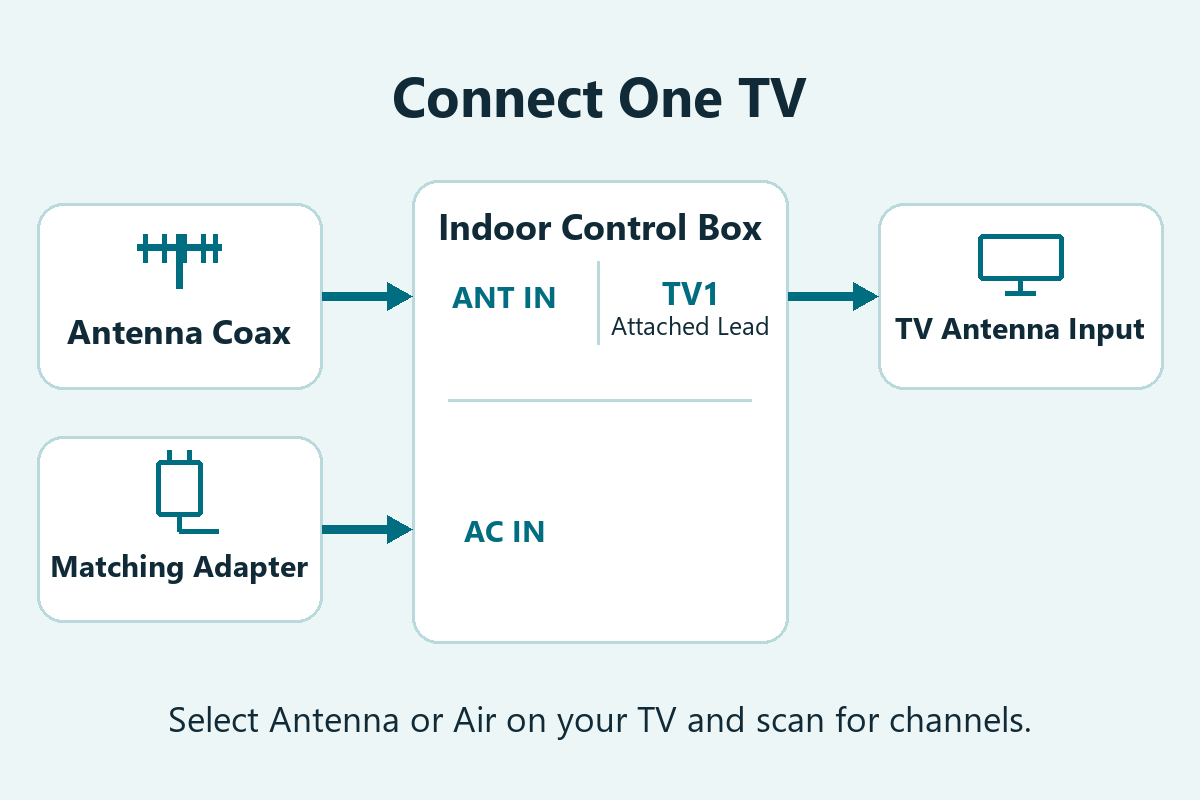
The control box provides TV1 and TV2 for direct connections. To add more TVs with the kit splitter, follow the wiring instructions supplied with the kit.
Open Full Wiring DiagramUse the included remote to turn the directional antenna toward your local broadcast towers. Point the remote at the indoor control box. The 3D animation shows the antenna making a complete turn on its fixed mount.
Includes the antenna, remote, control box, power adapter, and 40 ft coaxial cable. Use a compatible mount.
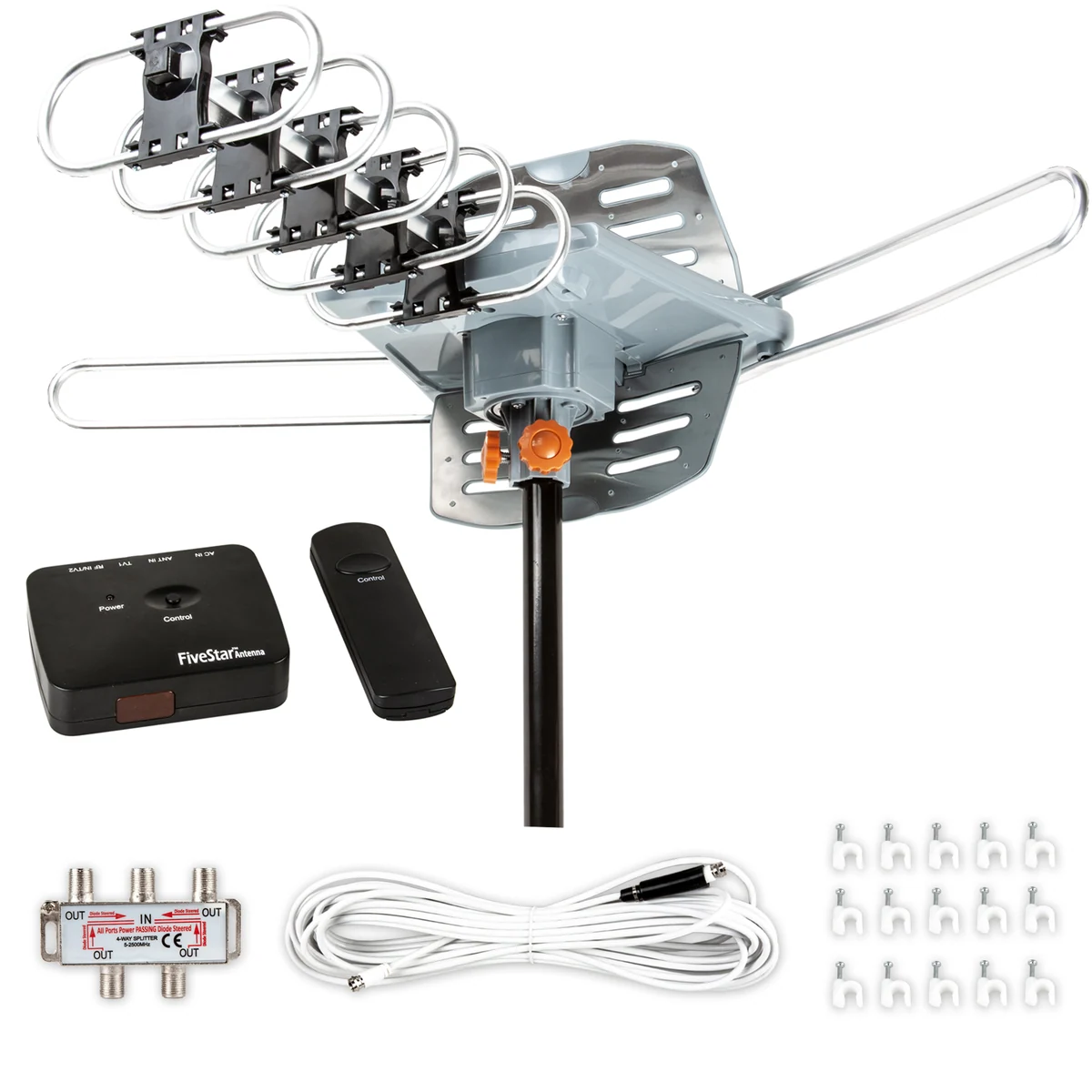
Adds a four-way splitter, 4 ft coaxial cable, and 15 cable clips.
View Kit Options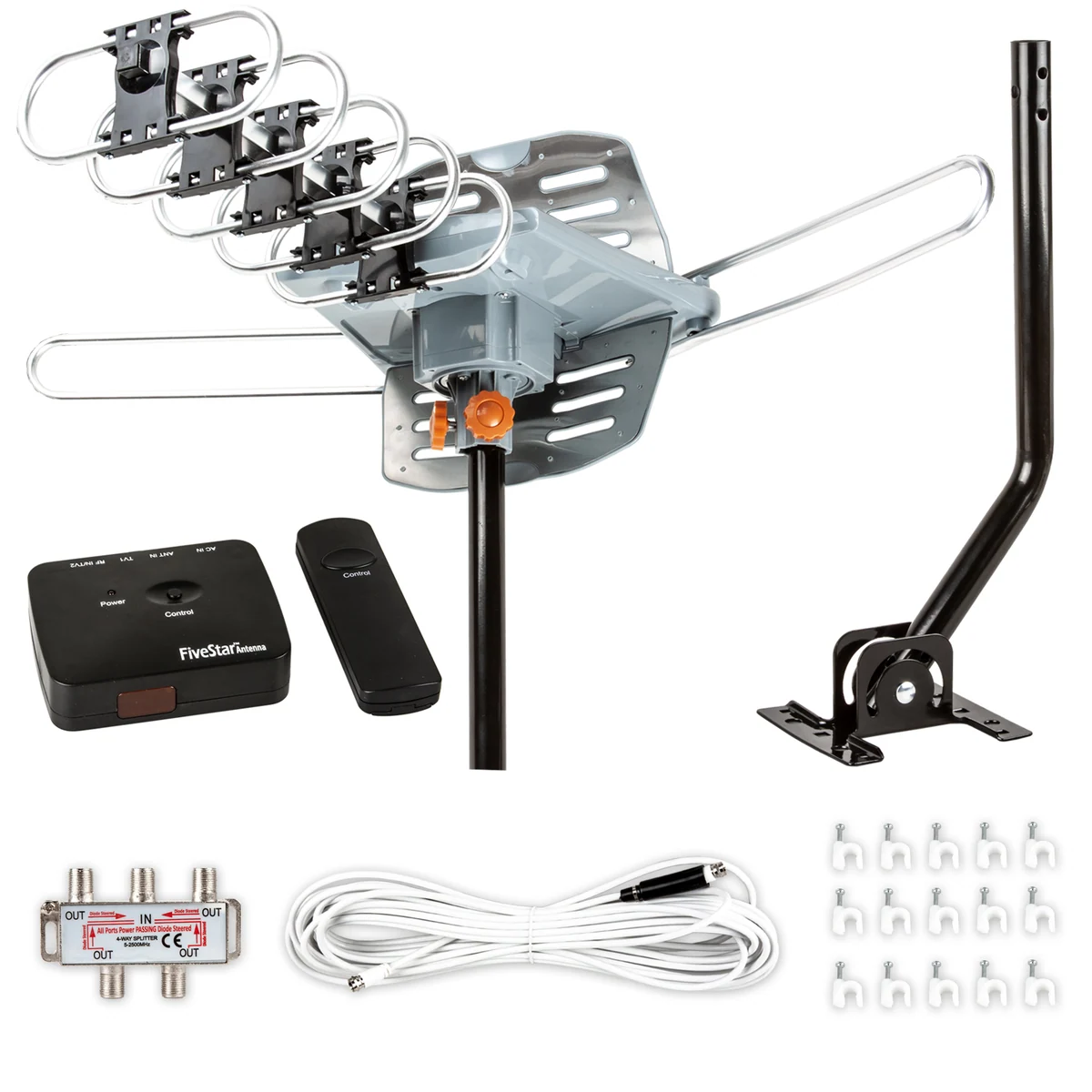
Includes the installation kit and a J-pole for mounting.
See how to assemble the antenna, connect it to the indoor control box, and scan for channels on your TV.
Read the Setup Steps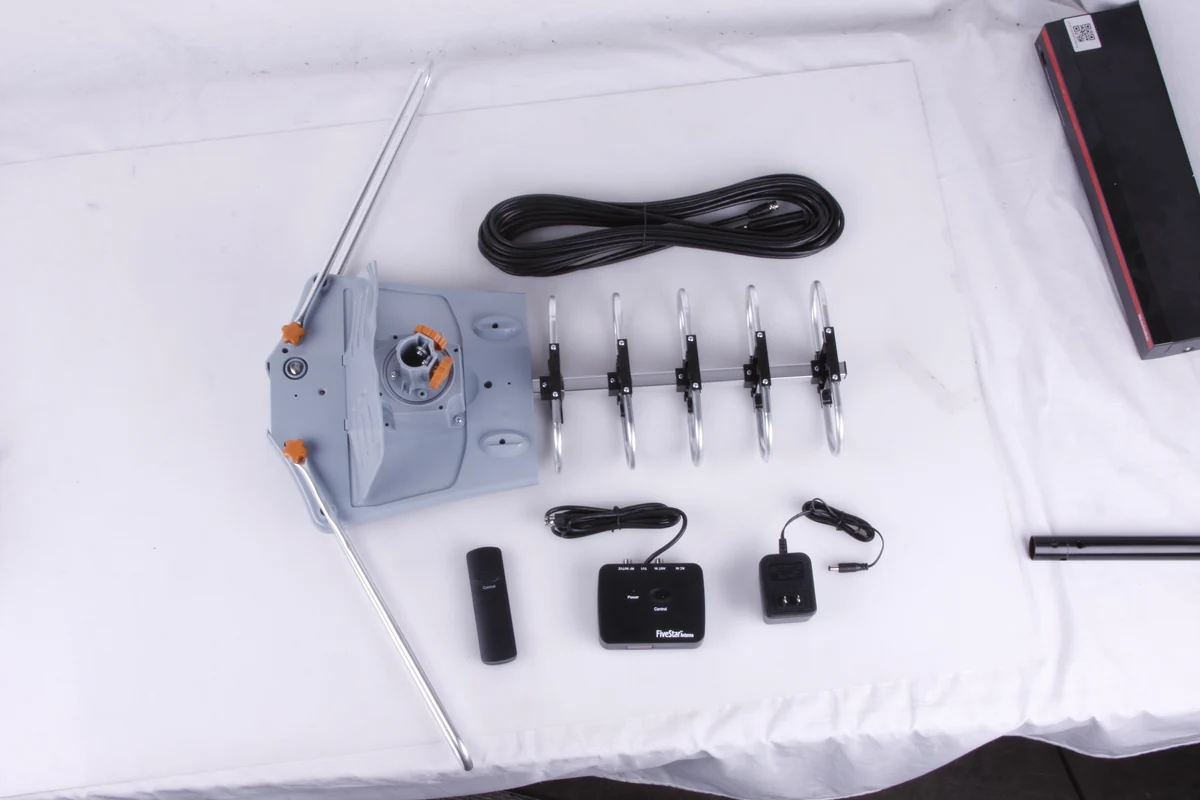
Unfold the five receiving elements, secure the front assembly to the main body, and open the reflector as shown in the manual.
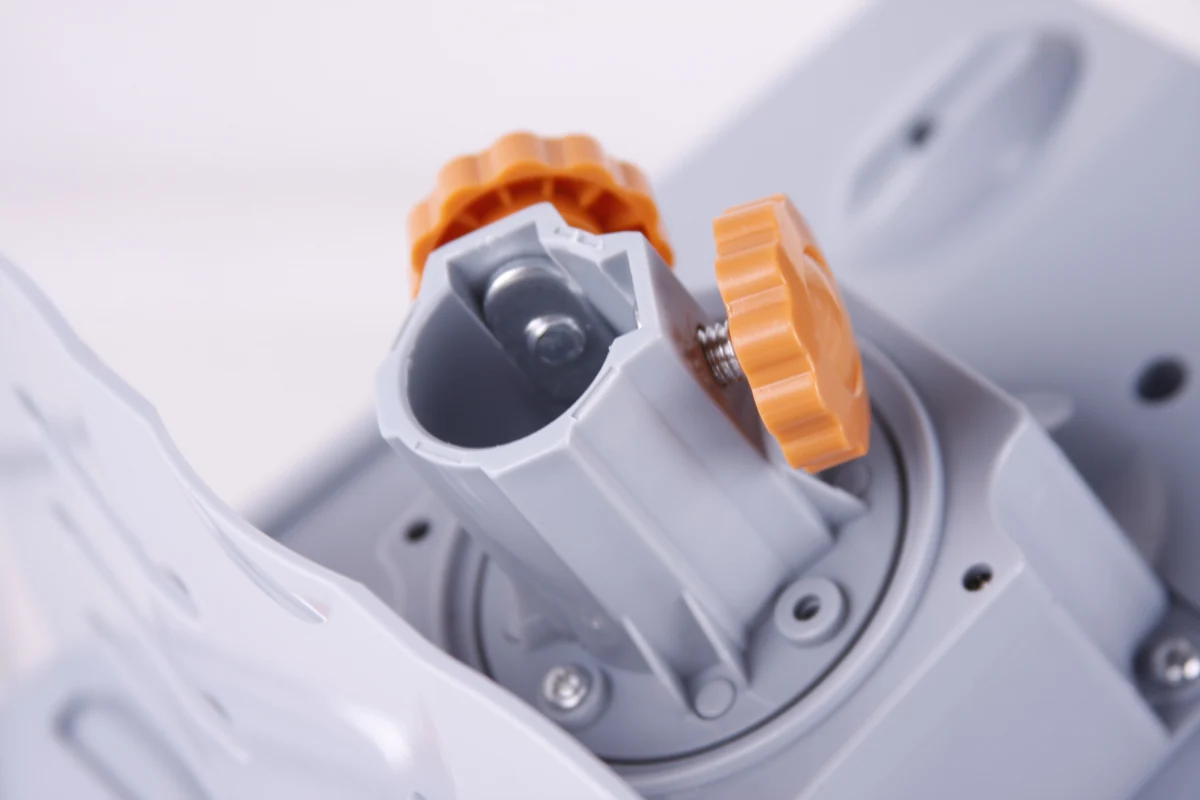
Secure the motor collar to a compatible pole using the supplied hardware. Leave enough clearance for the antenna to turn.
Connect the antenna coax to ANT IN on the indoor control box. Connect TV1 to the antenna input on your TV, plug in the supplied power adapter, and aim with the remote. Select Air or Antenna and scan for channels.
Point the infrared remote at the indoor control box so it can receive the command. Stop the antenna when it faces the desired broadcast towers.
The motor lets you turn the directional antenna around its mounting pole. Choose a direction for the stations you want to watch.
Yes. Use TV1 and TV2 on the control box for two direct connections. Follow the kit’s splitter instructions if you need additional connections.
Choose Antenna + Installation Kit + Pole for a J-pole. The other setups require a compatible mount.
Check that the control box has power and the coax connections are secure. Select Air or Antenna on your TV and rescan after aiming toward the desired towers.
Available channels depend on your location and where you mount the antenna.
Check Local ReceptionCustomer Experiences
Feedback from customers on this product listing.
No customer reviews are available for this listing yet.